winbate Withdrawal Guide: Cash Out Step by Step
Before you tap Withdraw
Work through this page once and you will be able to take money out of your winbate balance without guessing. It covers what to prepare, where to tap, how long the money takes, and what to do when a request comes back.
Three things decide how fast your money lands: your documents are already on file, the wallet number you typed is correct, and the amount sits inside your daily ceiling. Get all three right and a normal request finishes in about 36 minutes.
The first cash out is slower on purpose. Your ID is checked once, and that check takes up to 12 hours. After it clears, later requests skip that queue and go back to the standard timeline.
If you claimed the welcome bonus, clear the 8× playthrough first. Any part of your balance still tied to open wagering stays locked while a request is running, and a request sent too early is reversed rather than paid.
You need at least ৳500 to send a payout, and a wallet you can open yourself. The name on that wallet has to be the name on your account, so a cousin's bKash number will not work, no matter how often it is typed in.
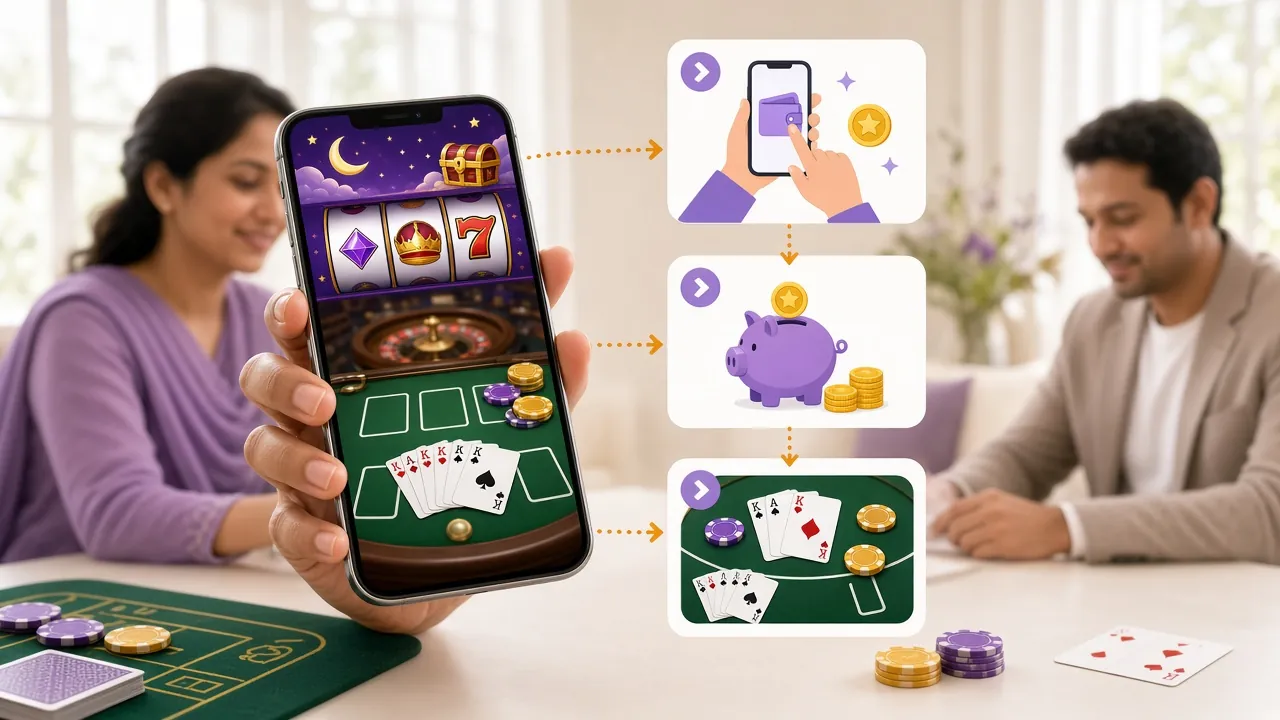
Move your winbate balance to bKash
Every payout follows the same five moves. The labels shift slightly between the app and the browser, but the order never changes.
-
Log in and open your wallet
Sign in on the app or in a browser, then open the wallet area. If the password is not working, the login guide handles the reset.
-
Choose the wallet you actually use
bKash, Nagad, Rocket or a bank account. Save the number once. One wrong digit is the most common reason a payout leaves and comes straight back.
-
Type an amount inside your ceiling
The floor is ৳500. The standard daily ceiling is ৳205,000 and your tier can lift it. Clear any open bonus wagering before you send the request.
-
Send your documents once
First payout only. One photo of your NID, passport or driving licence. The review takes up to 12 hours and is never repeated for later cash outs.
-
Confirm and watch for the SMS
A standard request reaches your wallet in about 36 minutes. A first payout can take up to 6 hours while it clears the same queue as the document check.
Where the money can go
Deposits and payouts run on the same four rails. A deposit usually lands inside a minute; a payout takes about 36 minutes.
- bKash Deposit1 minute Withdrawal36 minutes Minimum deposit ৳300 · Minimum withdrawal ৳500. Use a personal wallet, not an agent number.
- Nagad Deposit1 minute Withdrawal36 minutes Minimum deposit ৳300 · Minimum withdrawal ৳500. The number must be registered in your own name.
- Rocket Deposit1 minute Withdrawal36 minutes Minimum deposit ৳300 · Minimum withdrawal ৳500. Save the account once and reuse it for every cash out.
- Bank Transfer Deposit1 minute Withdrawal36 minutes Minimum deposit ৳300 · Minimum withdrawal ৳500. Add the account number once so the details cannot drift between requests.
Nothing is deducted from a payout for using a mobile wallet. What you request is what the wallet receives, provided the amount clears your ceiling and no bonus rule is still open.
The document check before your first payout
One check happens before your first withdrawal, not before your first deposit. Send a single clear photo and you are finished with it.
Any one of these three documents is accepted. You do not need all of them:
- National ID Card (NID)
- Passport
- Driving Licence
The review takes up to 12 hours and it has to clear before your first withdrawal is released. Plan for that if you are cashing out on a match night.
How to send it
- Open your account profile and find the documents area.
- Photograph the card on a flat, well-lit surface. Daylight beats flash.
- Upload the file and wait. The status line changes when the review is done.
What the photo has to show
- All four corners of the card inside the frame, nothing cropped.
- Your name, photo and card number readable without zooming.
- No glare, no shadow across the text, no blur from a shaky hand.
- A photo of the physical card, not a screenshot of another app.
Who sees the file
The image goes to the checks team and stays with your account record. It is used to match the person to the wallet, and for nothing else. Support will never ask for it over the phone, in a chat message, or on a social app.
If a photo is rejected, the reason appears next to the upload. Retake it and send again the same day; there is no limit on attempts.
What you can take out, and how often
These are the numbers that decide whether a request goes through on the first try. Anything above the daily figure has to wait for the next day.
| Limit | Figure | What it means for you |
|---|---|---|
| Minimum deposit | ৳300 | The smallest top-up that counts towards a bonus or a payout run. |
| Minimum withdrawal | ৳500 | Below this, the request screen will not accept the amount. |
| Daily withdrawal ceiling | ৳205,000 | Standard limit per day. Higher tiers lift it. |
| Deposit arrival | 1 minute | Typical time from wallet confirmation to balance. |
| Withdrawal arrival | 36 minutes | Typical time once the request is accepted. |
| First payout review | Up to 6 hours | Applies while the document check is still running. |
| Document review | Up to 12 hours | One time only, before the first withdrawal. |
Daily ceiling once your tier moves up
| Tier | Monthly turnover | Daily payout ceiling |
|---|---|---|
| Star | ৳55,000 | ৳280,000 |
| Elite | ৳220,000 | ৳380,000 |
| Master | ৳860,000 | ৳520,000 |
| Legend | ৳3,400,000 | ৳720,000 |
| Crown | ৳13,000,000 | ৳980,000 |
Turnover is counted on money played across the month and resets at the start of the next one. Cashback percentages by tier are listed on the bonus and VIP page.
Match your payout to how you actually play
Most support tickets come from a request that was correct but badly timed. These four situations cover the ones we see every week.
New account, small first cash out
You topped up ৳300, played a few rounds and want your money back. Send the ID photo the same day you register, so the 12-hour check runs while you play. When it clears, request ৳500 or more and expect the first payout to take up to 6 hours rather than 36 minutes.
Phone only, no bank branch nearby
Skip bank transfer and stay on bKash or Nagad. Do the whole request in the app, then screenshot the confirmation and keep the TrxID. If the money has not arrived after 36 minutes, that screenshot is the first thing live chat will ask for.
Cricket night, winnings after the last ball
The 36 minute window runs at night and at weekends. Send one request after the match settles instead of several as bets come in. Several small requests in an hour get looked at by hand, and that pushes all of them back.
A win bigger than your daily ceiling
The balance stays in your account, it does not disappear. Take up to ৳205,000 today and the rest tomorrow, or check whether your monthly turnover has already pushed you into a higher tier with a larger ceiling.
Keep your bKash PIN out of anyone's hands
Payout fraud in Bangladesh rarely starts with a hacked account. It starts with a phone call that sounds helpful.
- No one from winbate will ever ask for your wallet PIN or the OTP sent to your phone. Not on a call, not in live chat, not on WhatsApp.
- Type only the number shown inside your own account page. A number sent by SMS or messenger is not ours, even if the logo looks right.
- Keep a screenshot of every wallet transaction with the TrxID and the amount until the money is in your hand.
- Hang up on callers who say a withdrawal is stuck and needs a fee paid first. Real requests never need an advance payment.
- Open 24/7 live chat yourself instead of replying to a link someone sent you. Typing the address is slower and much safer.
- Cover the screen when you enter your PIN in a shop or on a bus. Shoulder checks are still the simplest way a wallet gets emptied.
If you think someone has your PIN, change it in the wallet app before you do anything else, then contact support. A payout already sent to the wrong number cannot be pulled back, but a locked wallet can be reopened.
What players ask after they request cash out
01Why was my withdrawal sent back?
Three reasons cover most cases: the wallet number does not match the name on the account, the 8× playthrough on a bonus is still open, or the amount sits above your daily ceiling. The money returns to your balance, it does not vanish. Correct the detail and send the request again.
02Can I cash out to a friend's bKash number?
No. The wallet has to belong to the person named on the account. Payouts to someone else's number are reversed, and repeating it can pause your payouts while the account is checked. If you want to send money to family, withdraw to your own wallet first and forward it from there.
03How long does a winbate withdrawal take at the weekend?
The 36 minute window runs on Fridays and Saturdays too, including during BPL and football nights. Two things slow it down: a first payout waiting on the 12-hour document review, and any request that has to be looked at by hand. Neither depends on bank opening hours.
04Do I upload documents again for the second payout?
No. Once the check clears, the file stays with your account. You only send a new photo if the ID expires, your name changes, or the original was too blurred to read. We never ask for a second copy through SMS, messenger or a phone call.
05What do I do if the money is not in my wallet after 36 minutes?
Open your transaction list, copy the reference number and the amount, then start 24/7 live chat with both. Do not send a second request while the first is still open, because two matching requests slow each other down. Support can see exactly where the payout is sitting.
Your first payout starts with an account
Register, add your wallet number once, and send the ID photo early so the 12-hour check runs while you play. Everything else on this page follows from those three steps. Already signed up? Log in and open the wallet tab, or install the APK if you would rather cash out from the phone in your hand.
New here and not sure how to fund the account first? The deposit guide covers bKash and Nagad top-ups in detail.